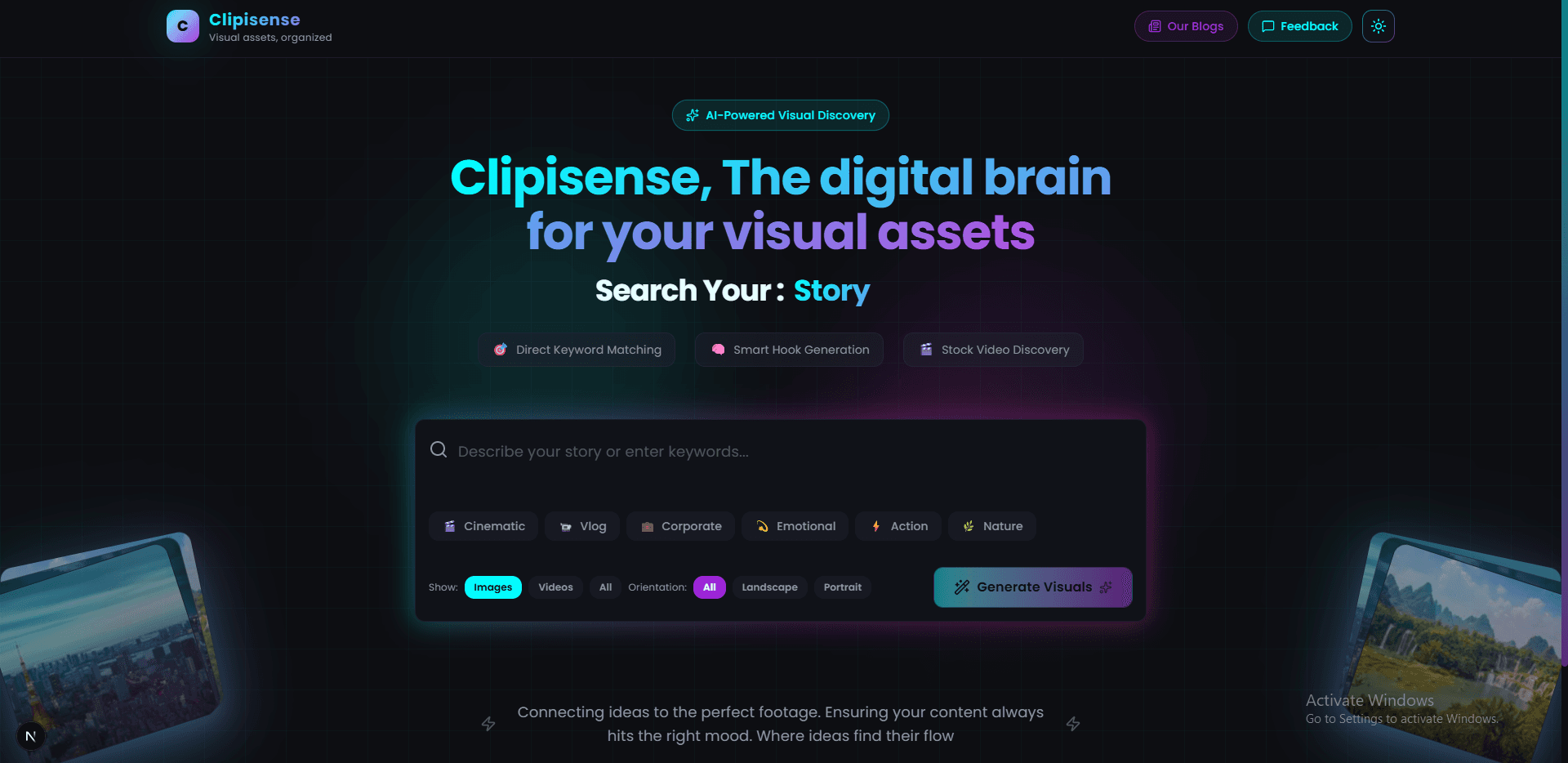
Why we built Clipisense
If you’ve ever edited a reel, YouTube short, or a client video, you know the weird part: the edit is fun… until you need the *one* perfect visual.
You open a few stock sites, try a bunch of keywords, and suddenly 30 minutes are gone. Not because you’re lazy—because it’s genuinely hard to describe a feeling in search terms.
The problem (in real life)
Most searches start the same way: “free stock footage”, “b-roll”, “free hd images”… and then you’re scrolling forever.
What you *actually* want is closer to something like: “lonely street, rainy night, neon reflections, cinematic”, but those phrases don’t come instantly—especially when you’re tired or on a deadline.
What Clipisense does differently
Clipisense is a focused search experience for creators:
- Search **Pexels + Pixabay** in one place.
- Turn on **AI keyword suggestions** when you want help finding better phrases.
- Keep full control: edit keywords, copy in one click, and filter fast.
Features you’ll notice immediately
Unified search (Pexels + Pixabay)
No tab-hopping. One query, one grid, two libraries.
Optional AI keyword help
Sometimes you know the vibe, not the words. AI suggestions are there to help you expand: emotion → scene → style.